PHOTO BOOTH CUSTOMIZATION
THREE SIMPLE STEPS
STEP 1A — DESIGN YOUR OWN
1. Copy the prompt and open ChatGPT.
2. Paste it, send it, and answer the five questions.
3. Email the finished PNG files to info@peakabooth.com.
Your print-ready design prompt
The prompt includes 2×6 and 4×6 dimensions, 300 DPI guidance, cut tolerance, and a separate proof with cut lines.
View or copy the prompt manually
Please help me create a professional, print-ready photo booth template. Before designing anything, ask me these five questions in one short, easy-to-answer message:

1. FORMAT
Would you like:
- Two identical 2×6-inch photo strips printed side by side on one 4×6 sheet, or
- One full 4×6-inch design?

2. EVENT STYLE
What type of event is this, what is the theme, and what colors should be used?
Would you like the design to feel:
- Simple and elegant
- Moderately decorated
- Bold and detailed

3. WORDING
What exact wording should appear?
Examples include the event title, names, date, hashtag, or a short message.
“None” is also an option.

4. PHOTOS
How many photos would you like, and what shape should they be?
The recommended layout is three photos:
- Square photos in a 1:1 ratio, or
- Horizontal photos in a 3:2 ratio
Also ask whether the finished photos will be color or black-and-white.

5. REFERENCES
Do you have a logo, invitation, color palette, or inspiration image to upload?
Is there anything you definitely do not want in the design?

Do not ask additional questions unless something essential is missing.
If I am unsure, recommend three photos and a simple-to-moderate design.

After I answer, create the template using the following production requirements:

PRINT SIZE
- 2×6 strip: 600×1800 pixels at 300 DPI.
- Two-up 2×6 print: 1200×1800 pixels at 300 DPI, containing two identical strips.
- Full 4×6 design: 1200×1800 pixels at 300 DPI.
- Final files should be high-resolution PNGs.

CUT-SAFETY REQUIREMENTS
- Assume the printer and cutter may shift horizontally.
- Keep photographs, names, dates, logos, faces, and other important content at least 0.15 inches—or 45 pixels—away from every cut edge.
- Keep at least 45 pixels of safe space on both sides of the center cut at x=600 on a two-strip 4×6 print.
- Do not allow photos or important artwork to bleed into the neighboring strip.
- Do not place thin borders or contrasting lines directly against a cut edge.
- Extend the background color or background texture completely to the edges.

SEAMLESS TWO-STRIP DESIGN
For a 2×6 strip, make the left and right edge backgrounds match exactly so a small cutting error is not noticeable.
Any decoration that reaches a side edge must repeat or mirror seamlessly:
- The left and right sides should have matching colors and visual weight.
- If an object touches an edge, use matching halves so the copies form one intentional object when placed beside each other.
- Do not place a unique decoration on only one side.
- Keep the side margins consistent throughout the entire strip.
- Make sure no portion of a photograph can appear on the neighboring strip if the cutter shifts.

DELIVERABLES
Please provide:
1. The finished individual template.
2. For a 2×6 design, a print-ready 4×6 sheet containing two identical strips.
3. A separate two-strip preview with the center cut line marked.
4. A cut-tolerance preview showing how the design looks if the cut shifts approximately 15 pixels left or right.
5. Final files without guides or cut lines.

Before generating the final design, briefly summarize the selected theme, colors, wording, photo layout, and print size.
Use all names, dates, and event wording exactly as supplied.
Check the spelling carefully.
STEP 1B — CHOOSE A STARTING POINT
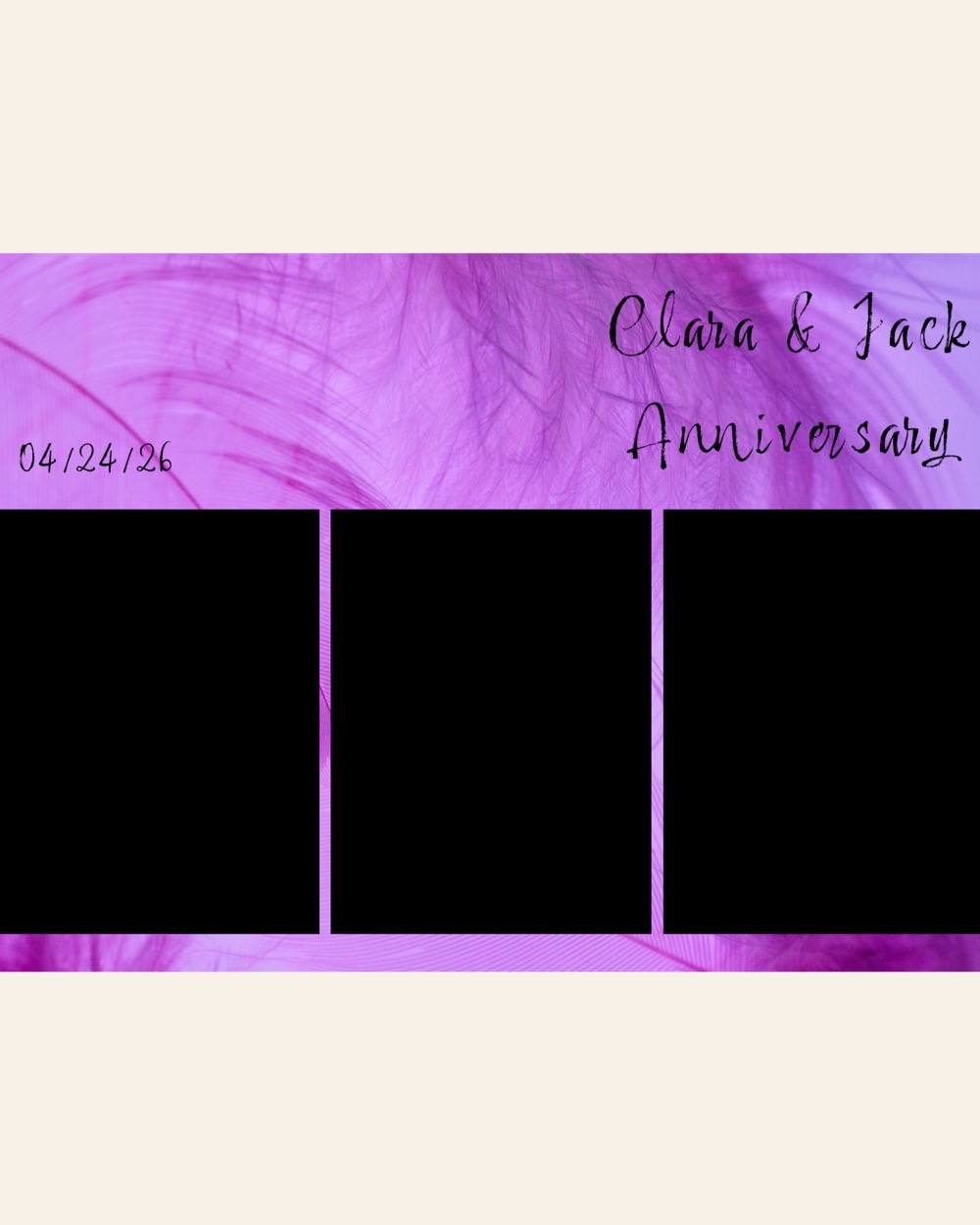
Browse 22 ready-made template styles.
Choose the layout and overall style you like, then select it below the card. Your choice will appear automatically in the form; we’ll personalize the colors, wording, date, logos, and decorative details.
2×6 photo strips
4×6 prints
One-photo layouts




STEP 2 — SELECT A BACKDROP
Pick one of the six featured backdrops included in your Photo Booth package below, choose a $300 design from the full catalog, or send a high-resolution photo for a completely custom $400 backdrop.
After submitting, you can reply to our confirmation with any files that are easier to attach directly.
ASPEN • VAIL • ROARING FORK VALLEY